Add your pictures. Arbor sorts, names and files them.
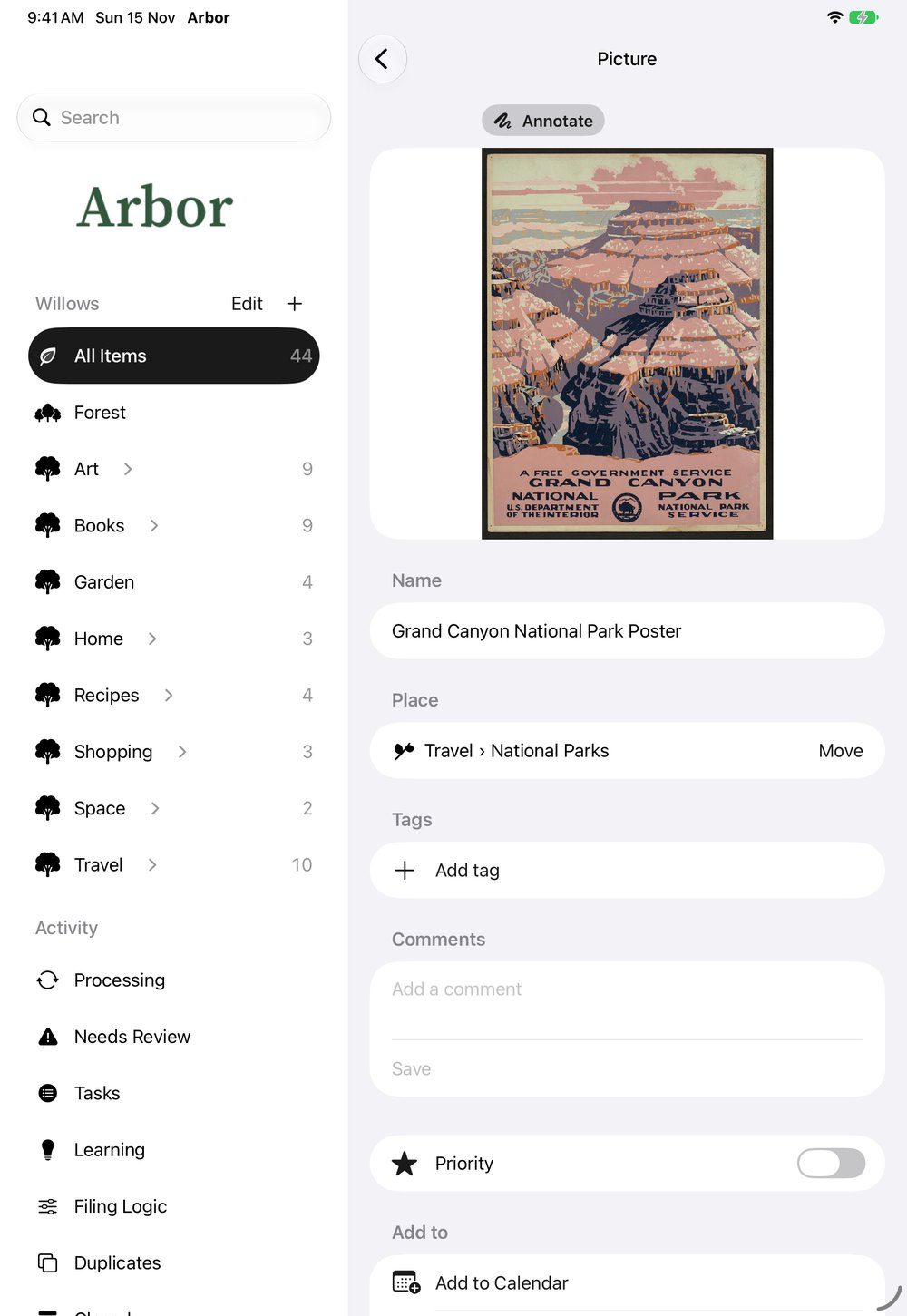
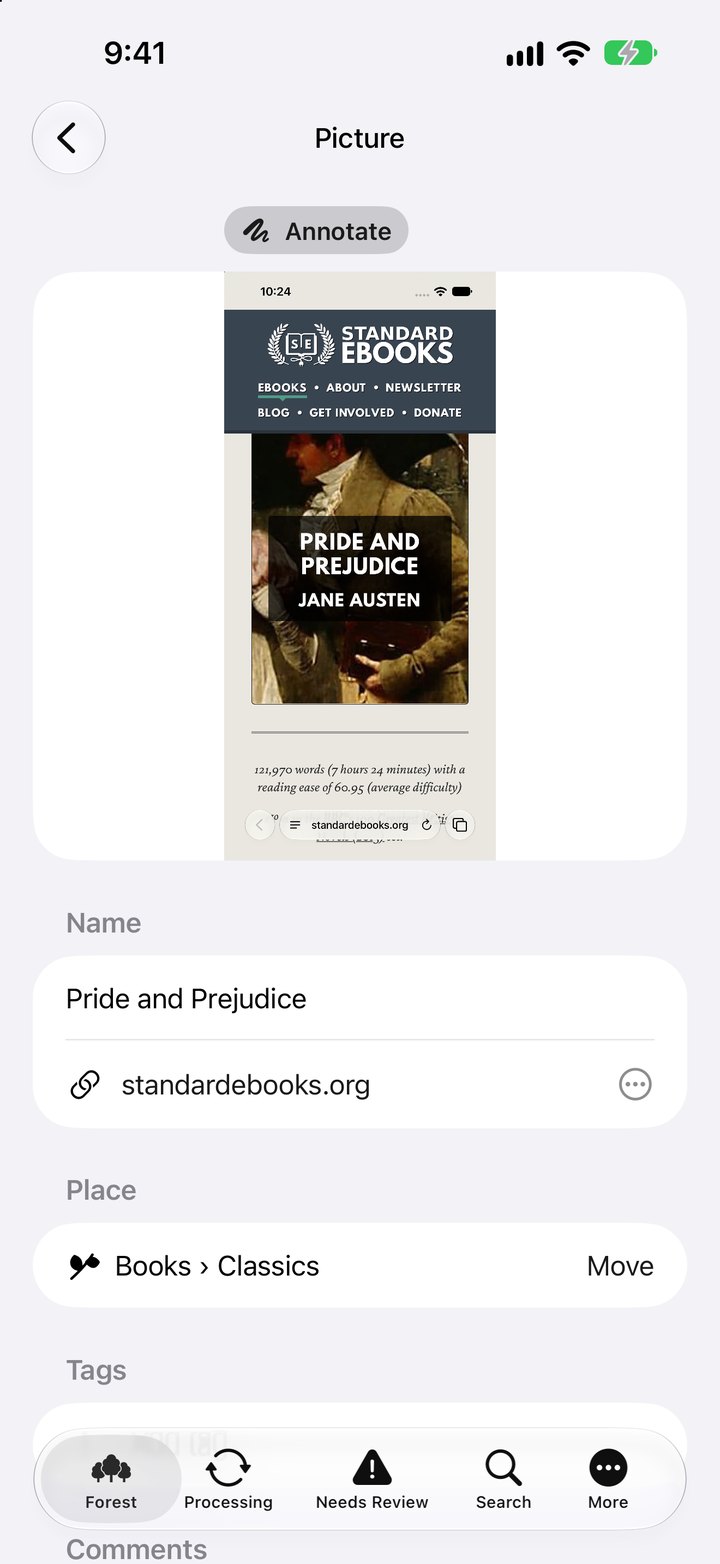
For the screenshots you take and forget, and every picture worth keeping. Arbor reads each one, gives it a name you’d recognize, and files it where you’ll find it again.
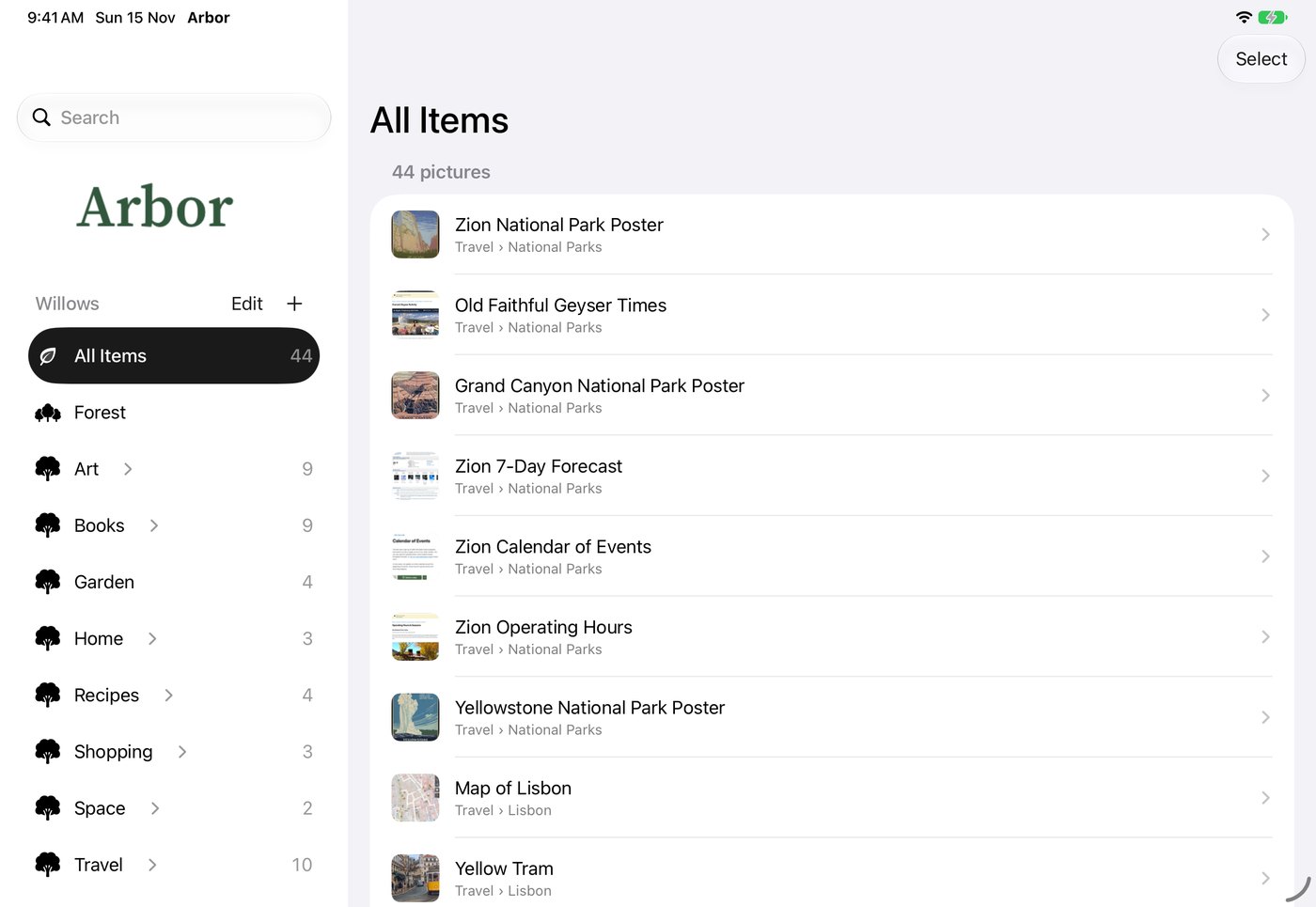

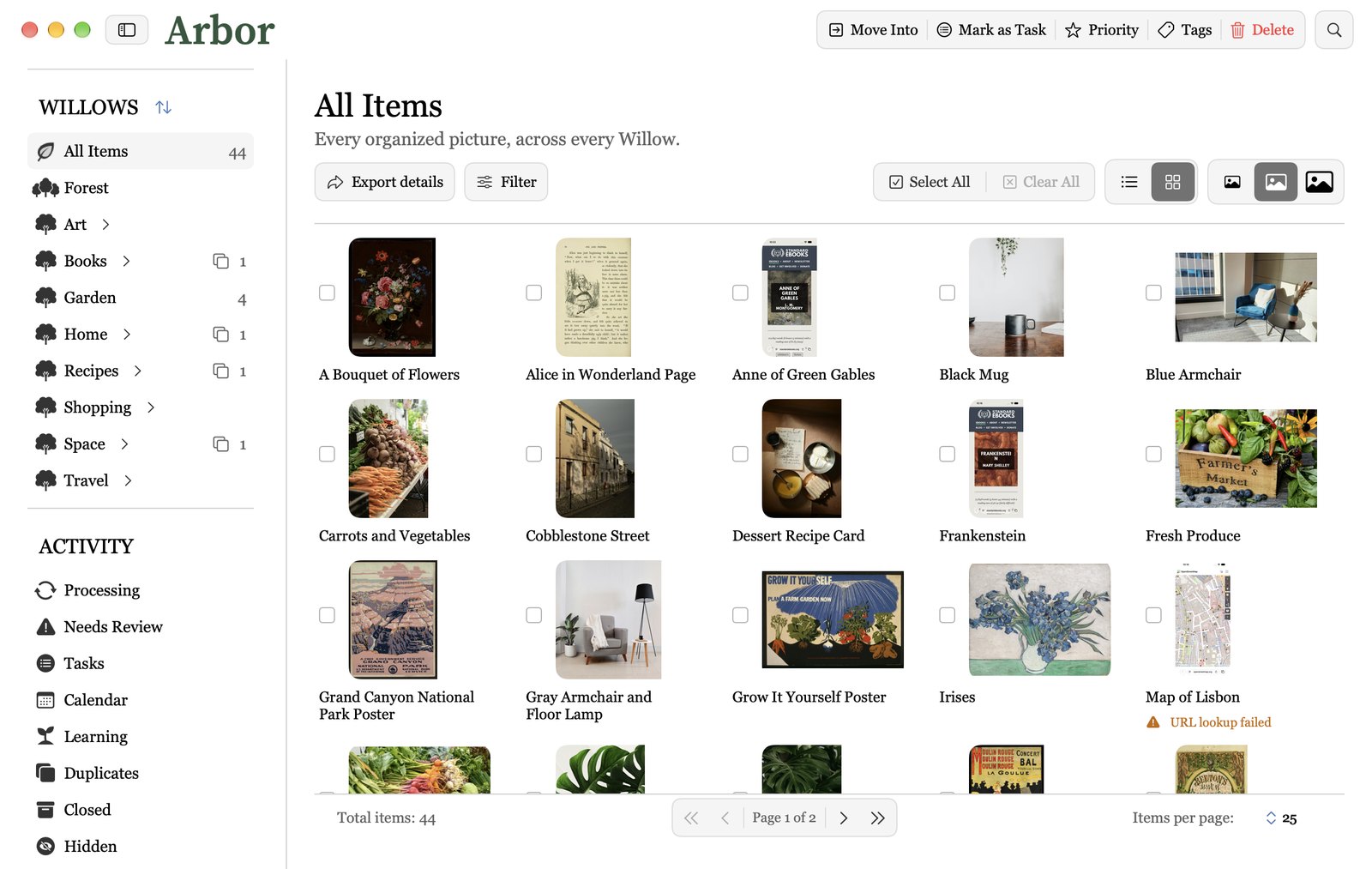

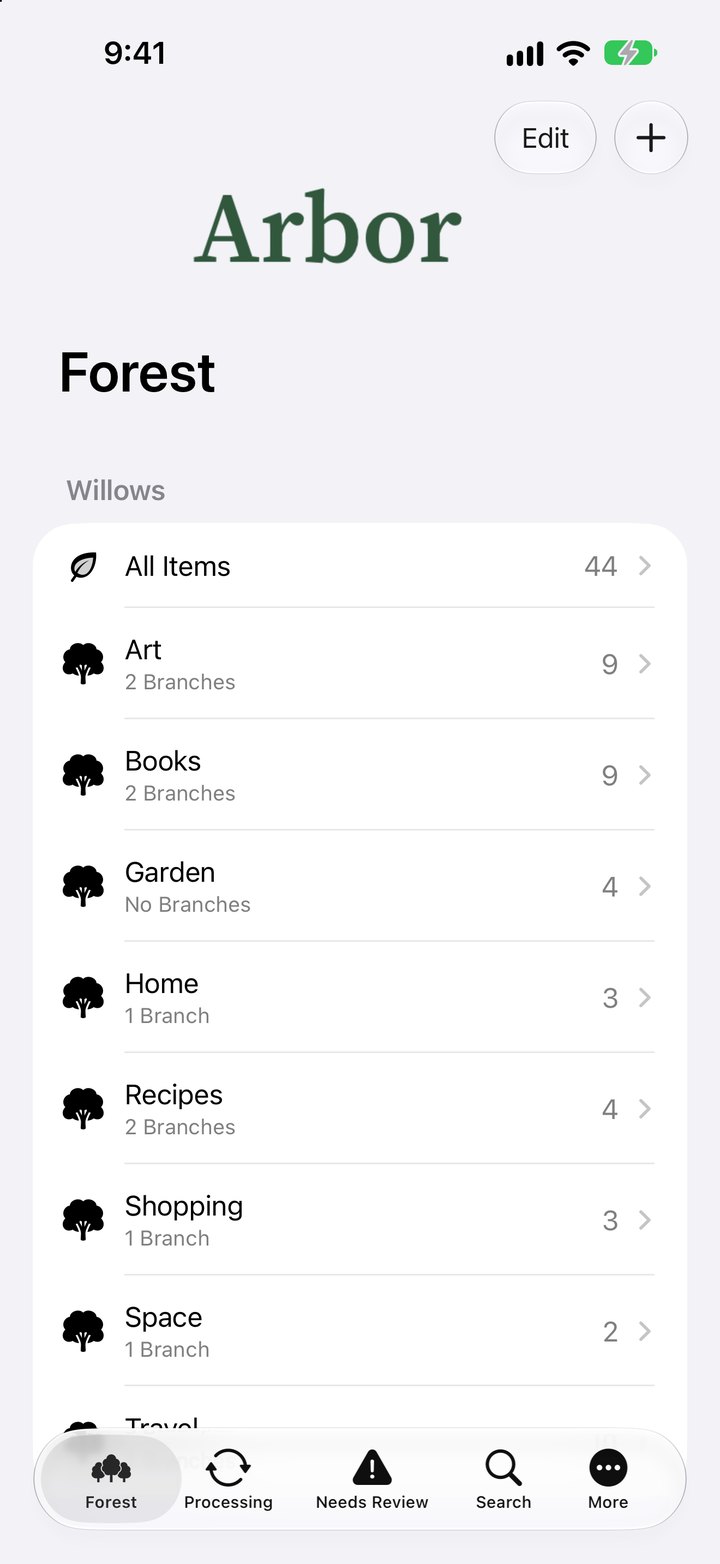

With Plus, sign in with Apple or Google and your photos are the same on all your devices.
What happened to that screenshot?
It’s somewhere in your camera roll, between four thousand other pictures. Arbor finds it, names it and files it, so you can actually buy the shoes, cook the recipe and go to the concert.
PLUS Turn a photo into a task with a reminder on the day it’s due, or straight into your calendar.
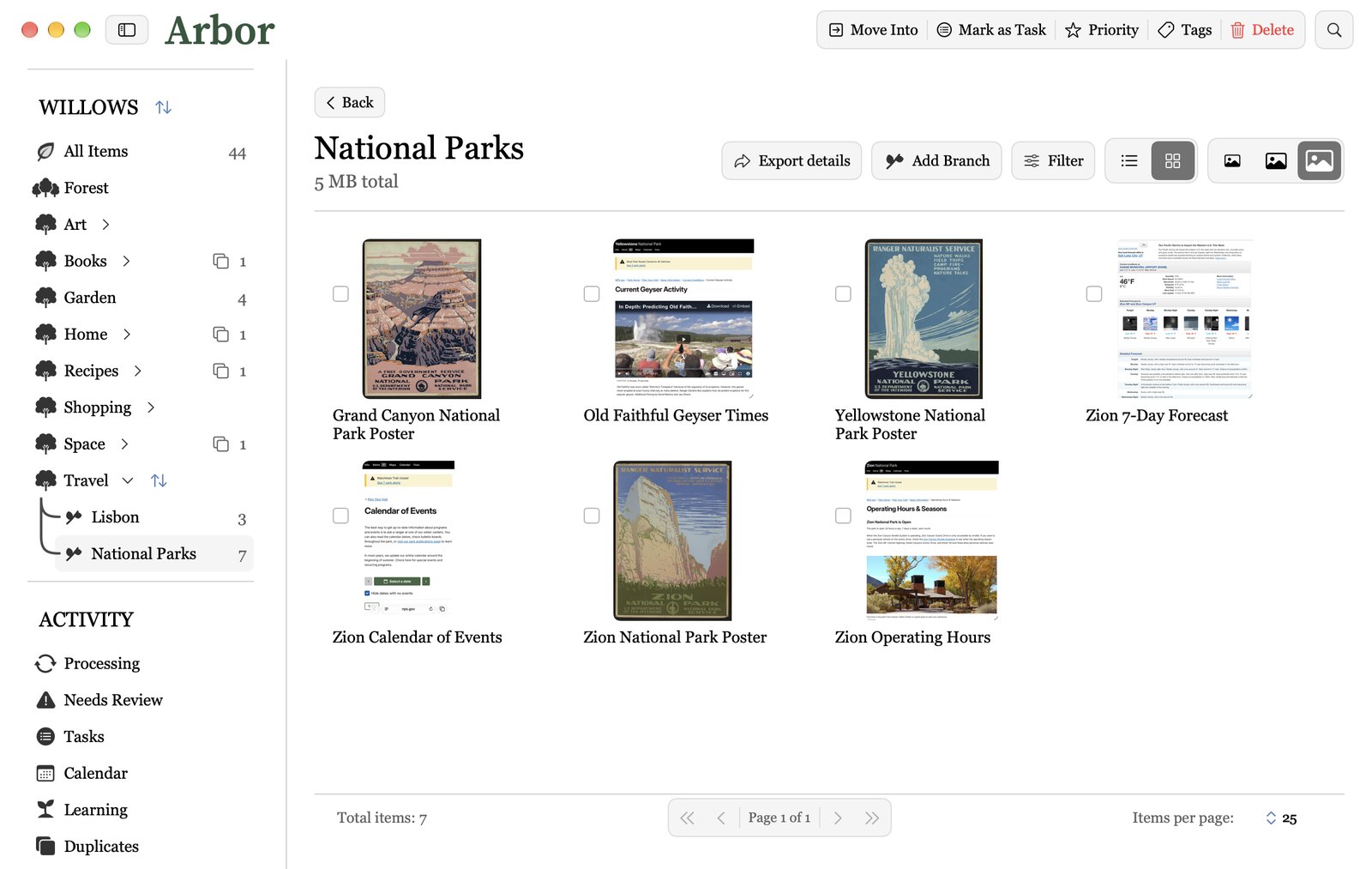
Recipes, posters, places, plants, paintings, pages. Whatever you keep, Arbor files it.








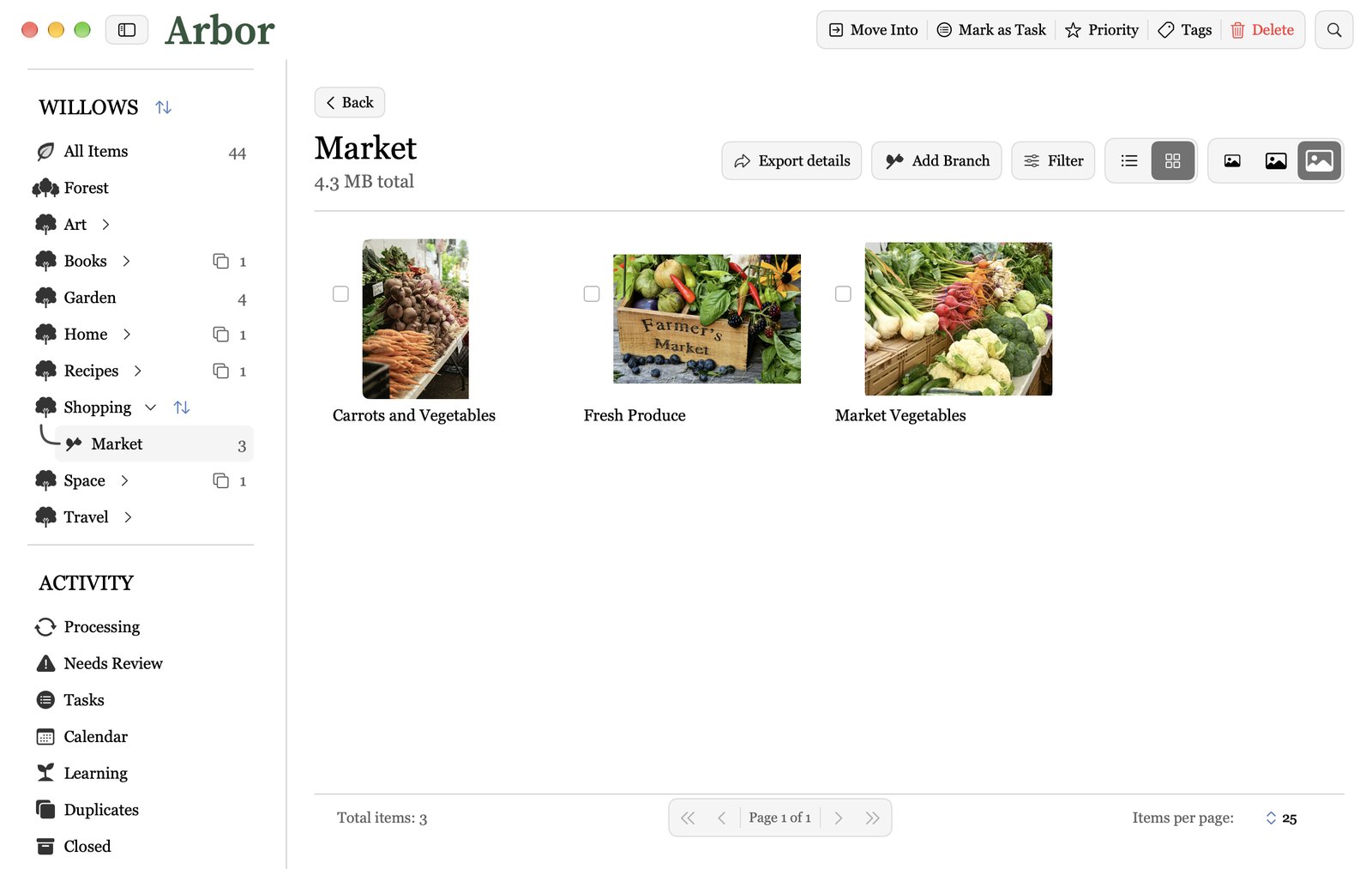

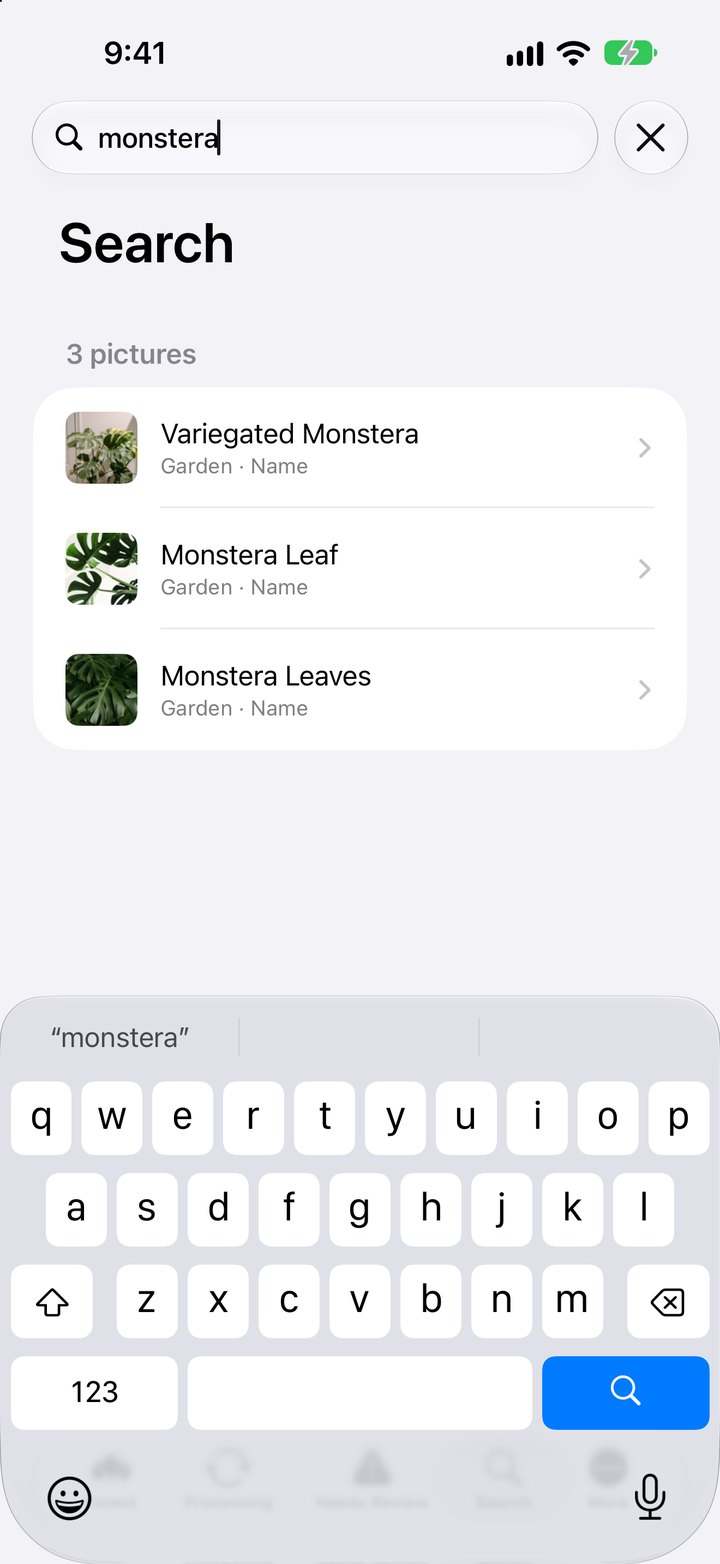

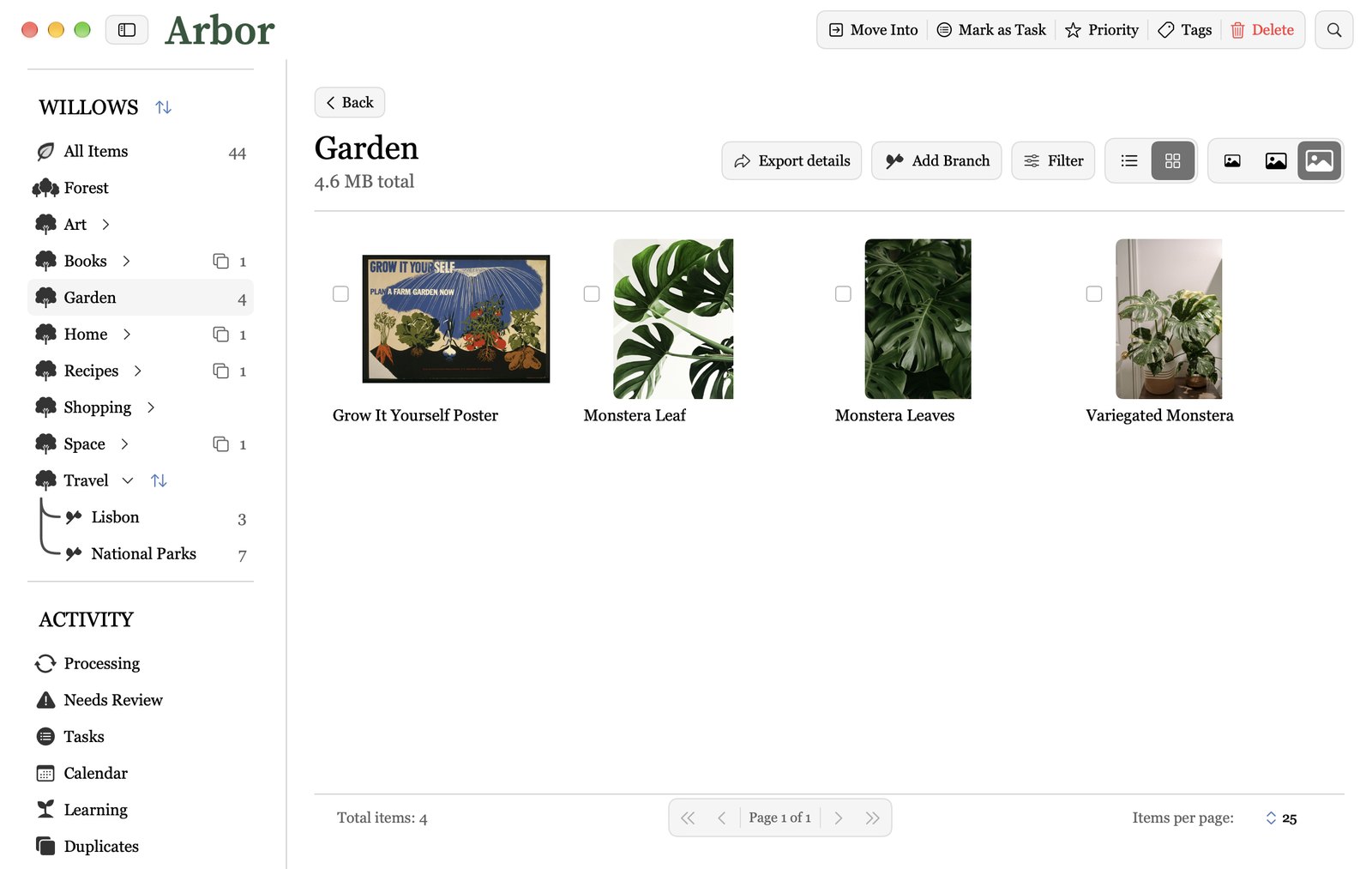

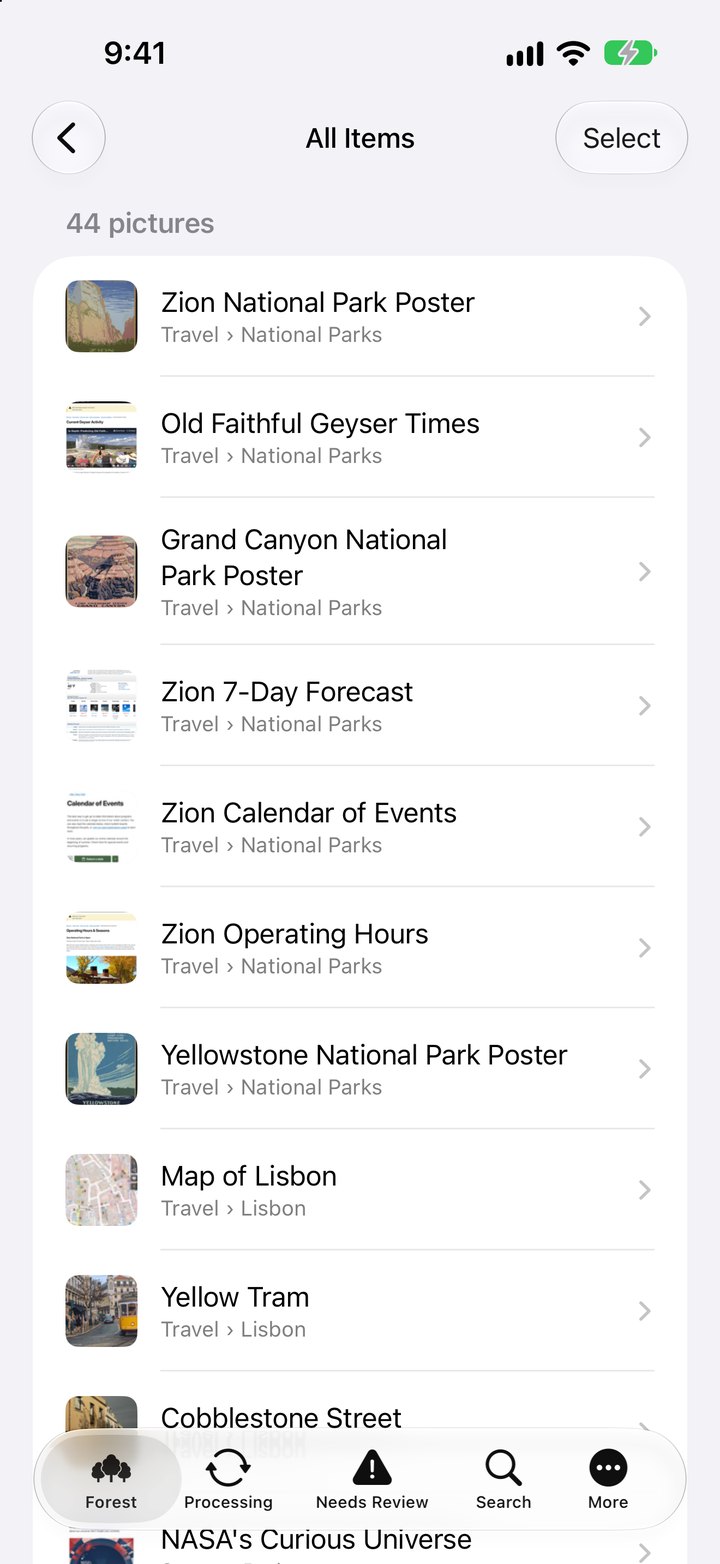

How Arbor works
You make the places. Arbor fills them.
- 1Make your Forest
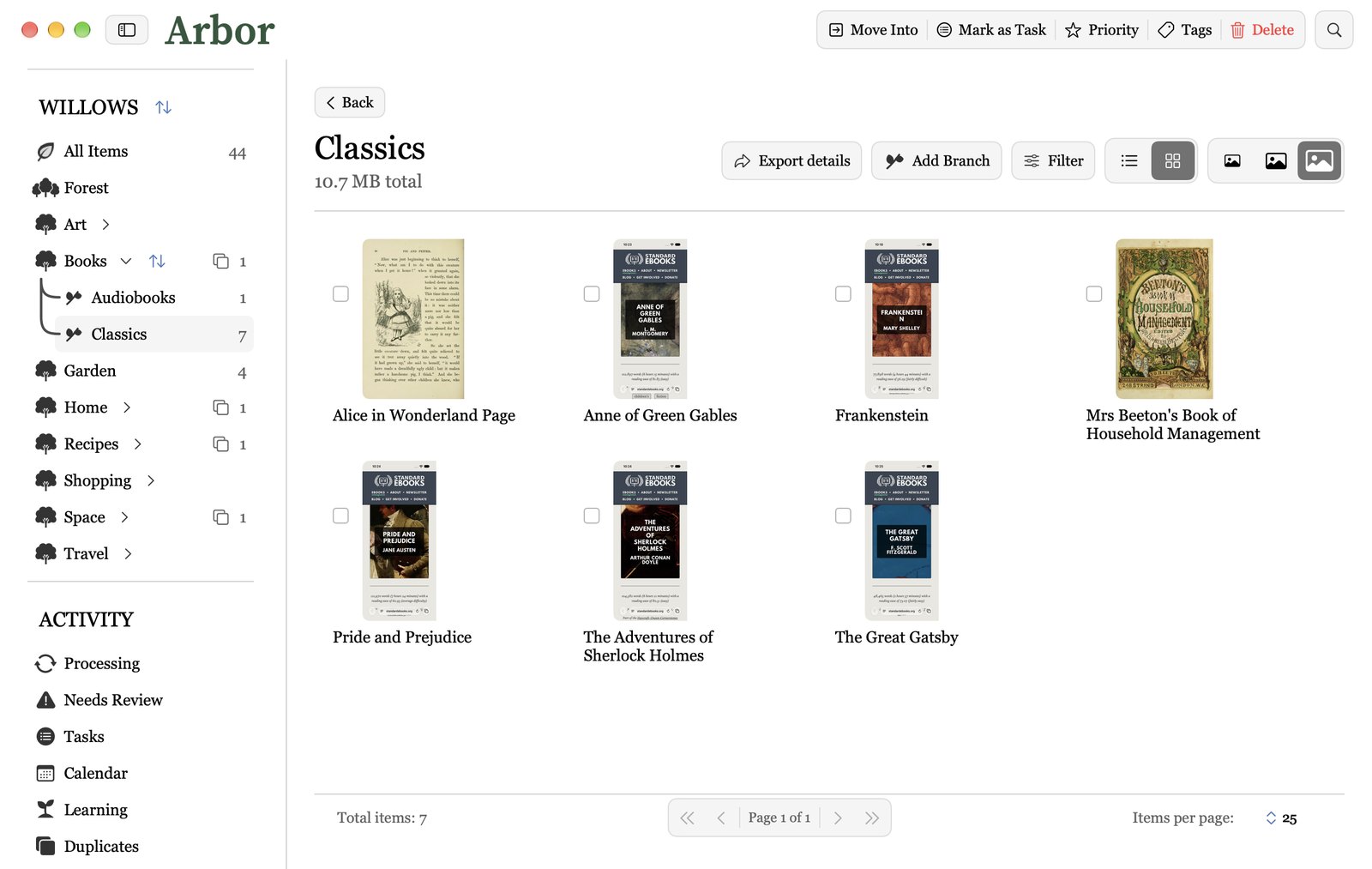
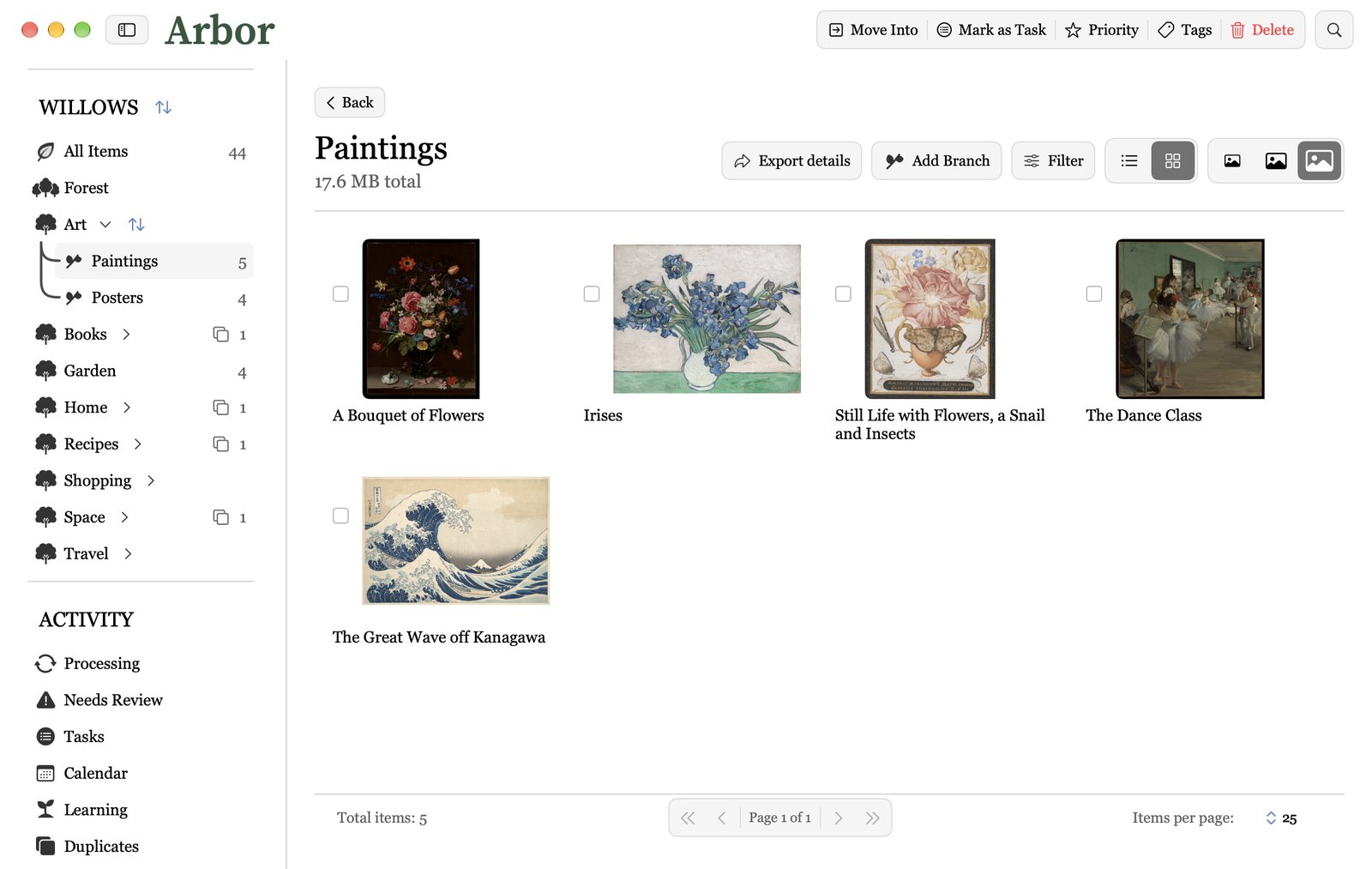
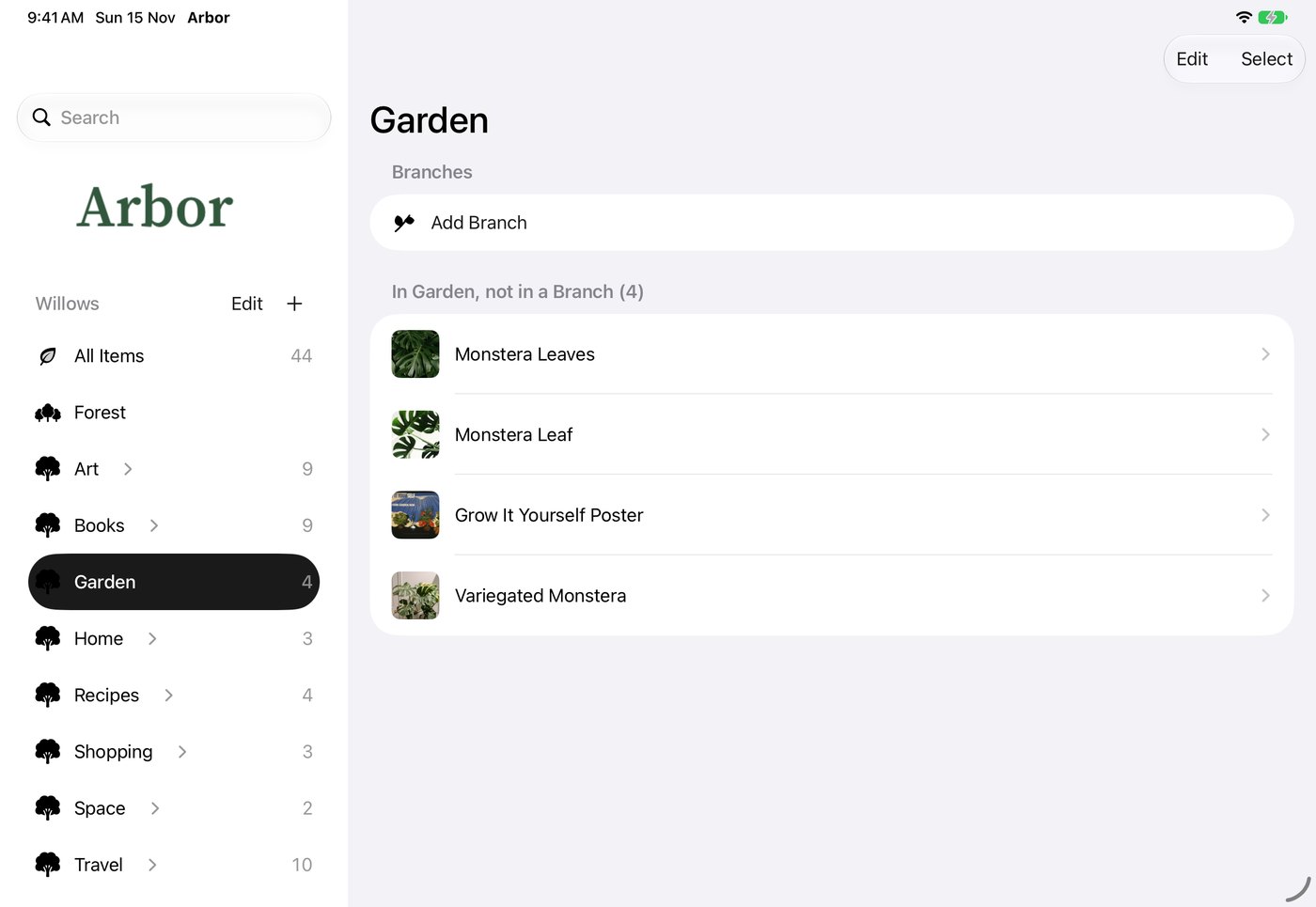
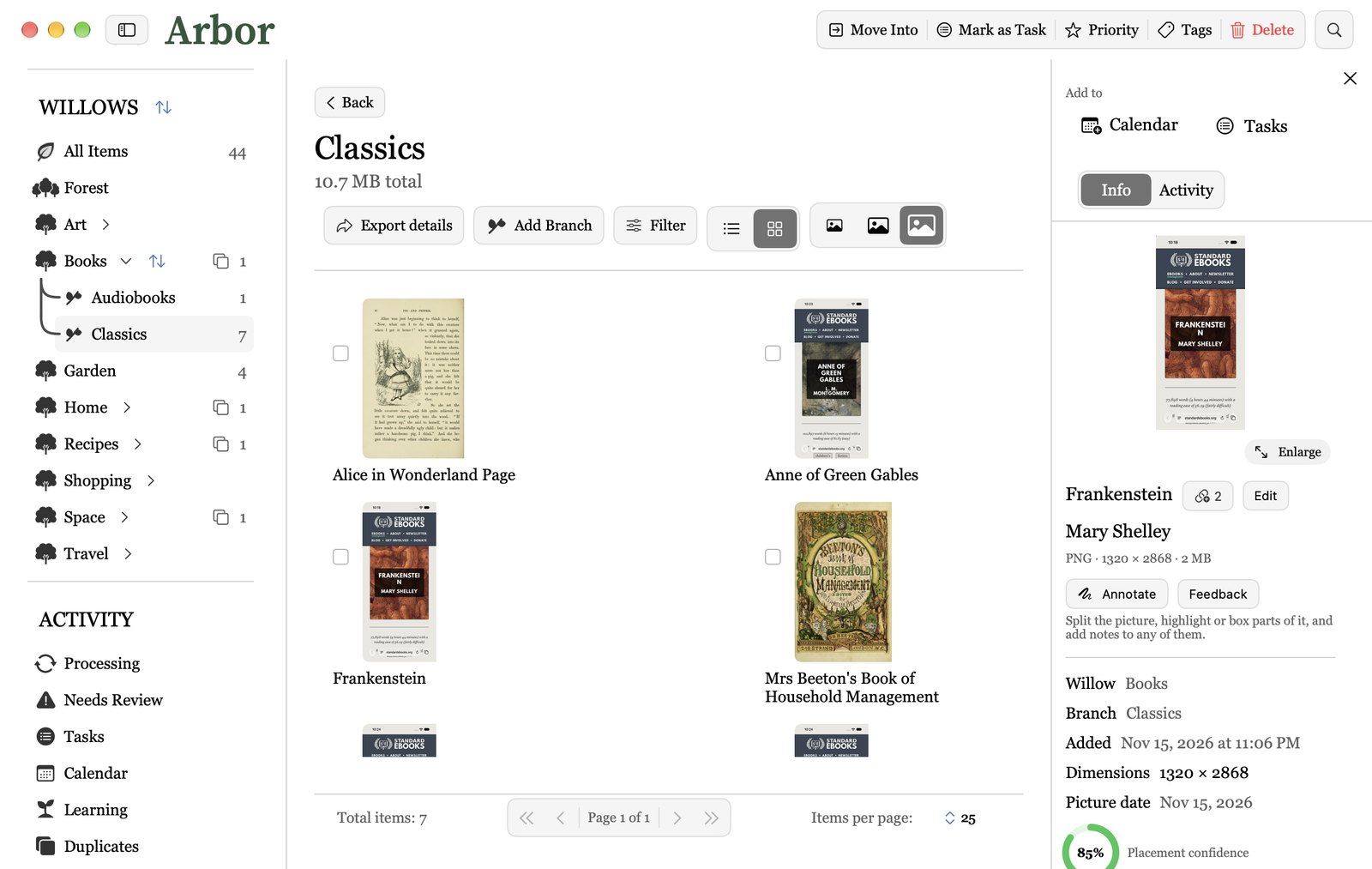
Make a Willow for each kind of picture you keep, like Recipes, Travel or Art, with Branches inside. Tell Arbor in one plain line what goes in each.
- 2Add your pictures
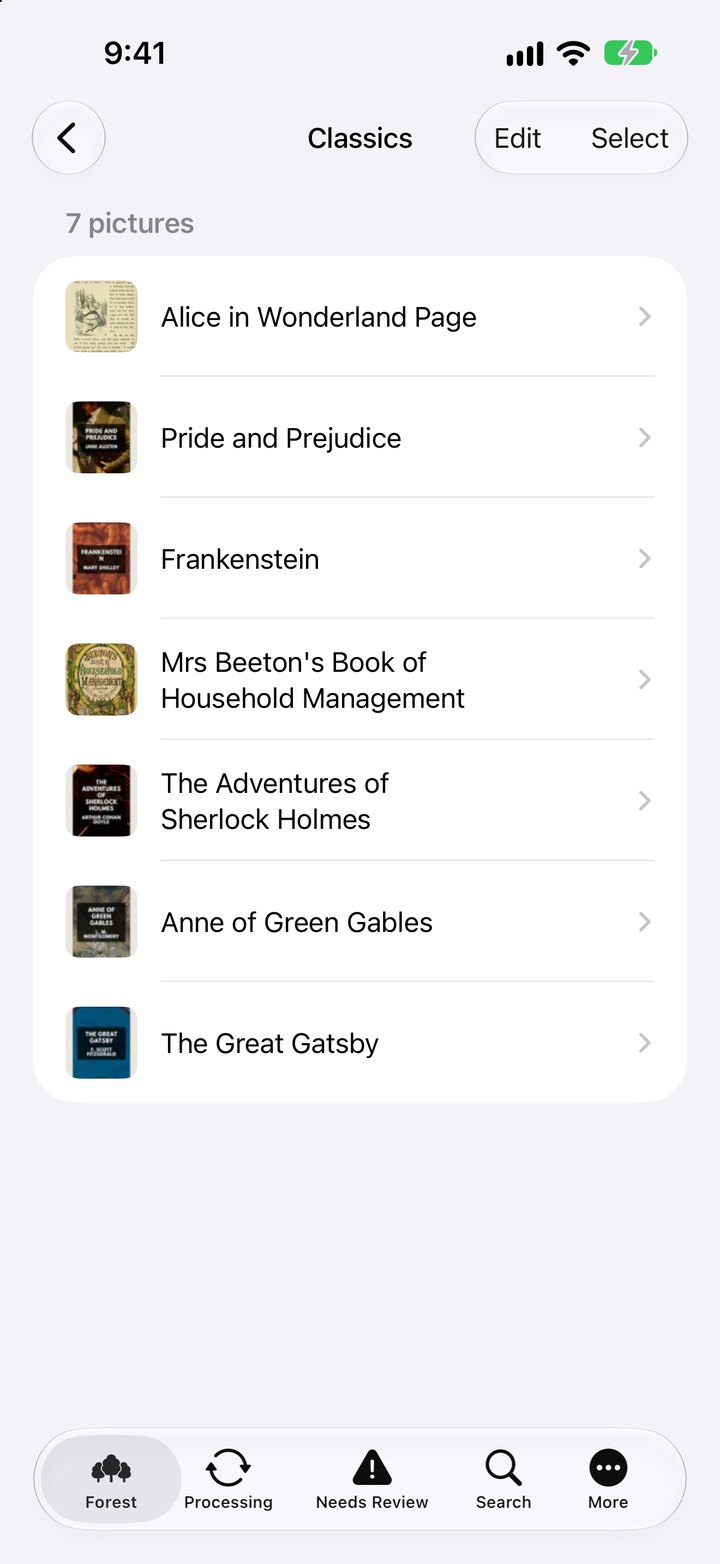
Bring them in from Photos or a folder. On the Mac, Auto-Import can bring new ones in by itself.
- 3Arbor reads every one
The words in each picture, what’s in it, and the website when there’s a link. All on your device.
- 4It names and files it
A real name, in the right Willow and Branch. When Arbor isn’t sure, the picture waits in Needs Review.
- 5Fix one, and it learns
Move a picture or change a name, and the next ones land where you’d put them.

Recipes › Breakfast
An example of what Arbor does with a picture.
Watch Arbor learn how you sort
Every move you make and every name you fix teaches Arbor. Your Profile draws it as a night sky: each star is a Willow, the small stars joined to it are its Branches, and the more Arbor knows, the bigger they grow. Click a star.
Click a star to see what Arbor learned there.
How Arbor knows you
Each star is one of your Willows, and the small stars joined to it are its Branches. The bigger the star, the more Arbor has learned there from you.
Art is where Arbor knows you best. Books is still new: teach it a few more and its star will grow.
Your pictures stay yours
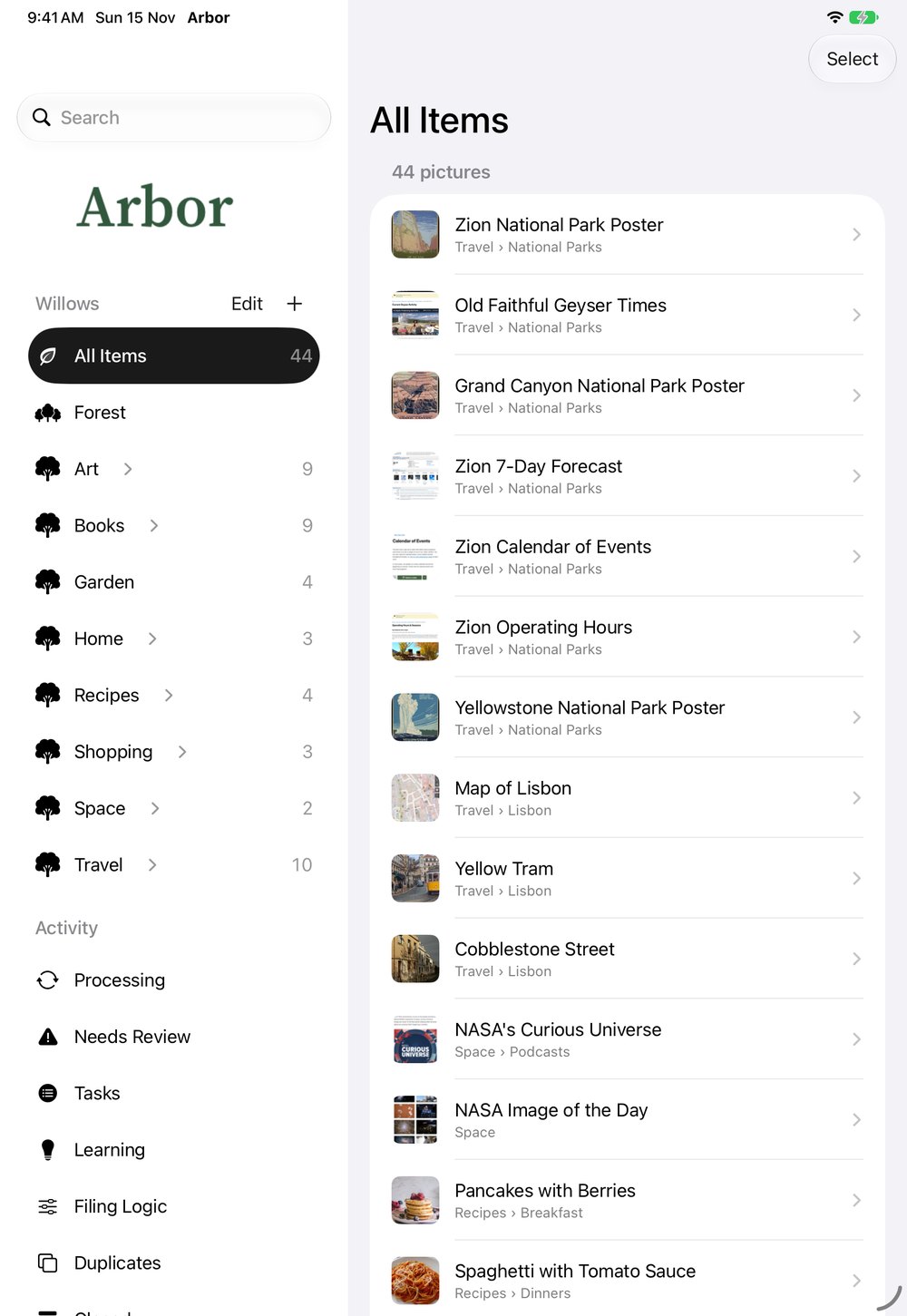
Reading, naming and filing all happen on your iPhone, iPad or Mac.
With Plus, pictures are scrambled on your device before they reach Arbor’s cloud.
Nobody at Arbor can see your pictures, your Willows or what they’re about.
Start free. Try Plus free for 7 days.
Basic
- Sorting, naming and filing
- Up to 500 pictures, kept on your device
- Learns from your fixes
- 3 hints for each Willow and Branch, and 3 Indicators
Plus
- No limit on pictures
- The same pictures on iPhone, iPad and Mac
- Backup in Arbor’s cloud, scrambled on your device
- Finding pictures with the same content
- Tasks from your pictures, and Add to Calendar
- Teaching Guides, naming for each Willow and Cleanup Limits
Plus renews by itself unless you turn renewal off at least 24 hours before the end of the period. Manage or cancel it in your Apple ID settings.
Questions
How much is Plus, and is there a free trial?
Plus is free for your first 7 days, then $6.99 a month or $49.99 a year. Cancel before the 7 days end and you pay nothing. One subscription covers your iPhone, iPad and Mac.
What’s free, and what comes with Plus?
Basic is free: sorting, naming and filing, learning from your fixes, and up to 500 photos on one device. Plus adds no limit, the same Forest on all your devices, backup, tasks and calendar events, finding the same content saved twice, Teaching Guides and more.
Does Arbor upload anything?
Not on Basic: everything stays on your device. With Plus, everything is scrambled on your device before it goes to Arbor’s cloud, so nobody at Arbor can see it.
How is it backed up?
With Plus, your Forest is backed up in Arbor’s cloud. On a new device, sign in with the same Apple or Google account and everything comes back. Basic doesn’t back up, so keep your device’s own backup on.
What happens to the originals in Photos?
On iPhone and iPad, the originals stay in Photos if you want them to. On the Mac, they move into Arbor so they aren’t in two places, and your Mac asks first.
Which devices does it run on?
Apple devices only: iPhone and iPad with iOS 26 or later, and a Mac with macOS 26.5 or later. Not Android or Windows yet.
What is a Willow?
Your Forest holds everything. Willows are the big groups, like Recipes or Travel. Branches grow inside them, like Desserts or Lisbon.
When can I get Arbor?
Arbor is coming to the App Store soon. Join the waitlist and we’ll write to you when it’s ready.
More answers, like cancelling, refunds and languages, are on the Support page. Something else? Ask in the waitlist form.
Give your photos a home
Be the first to know when Arbor arrives.